Free printable first then board (PDF)
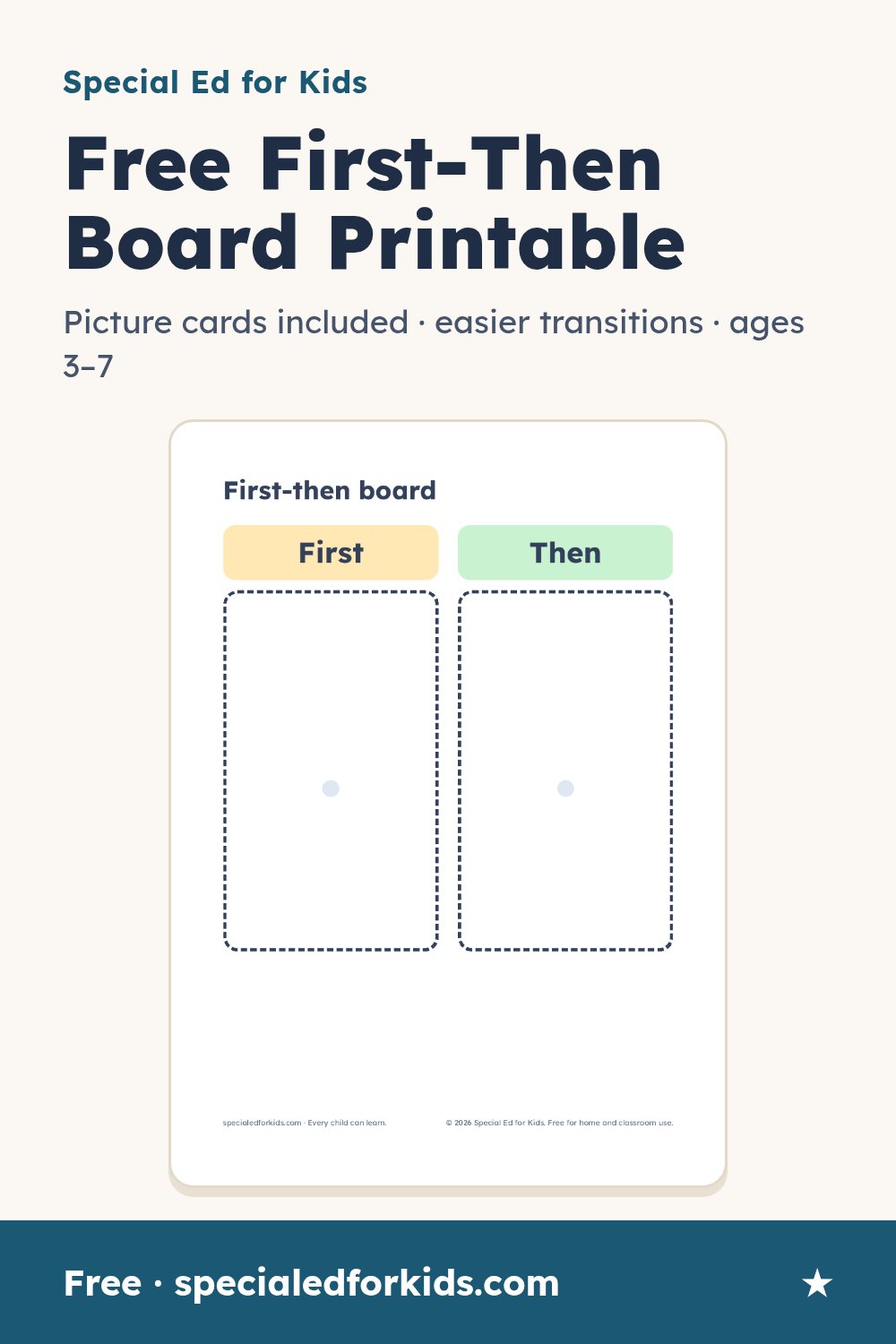
Two boxes: first the task, then something the child enjoys. A first-then board makes the next step visible and can make changes between activities easier.
Download (free PDF, A4, prints on US Letter)
How to use it, step by step
- Print the board and the picture cards, cut out the cards and laminate them if you can.
- Put a less preferred task under “First”, for example getting dressed.
- Put something motivating under “Then”, for example play or story time.
- Keep your words short and calm: “First shoes, then playground.”
- As soon as the first task is done, give the “then” activity right away.
- Use the blank cards to draw activities that are not in the set.
📚 Which research is this based on?
A first-then board is a simple visual support. Visual supports are an evidence-based practice in the NCAEP 2020 report, and the AFIRM Visual Supports module explains how to plan, make and use visual supports like this one.
- AFIRM: Visual Supports: AFIRM (Autism Focused Intervention Resources and Modules), FPG Child Development Institute, UNC: Visual Supports module.
- NCAEP 2020 report: Steinbrenner, J. R., Hume, K., Odom, S. L., et al. (2020). Evidence-Based Practices for Children, Youth, and Young Adults with Autism. FPG Child Development Institute, University of North Carolina at Chapel Hill, National Clearinghouse on Autism Evidence and Practice (NCAEP).
Also try
- Printable PDFSocial story template
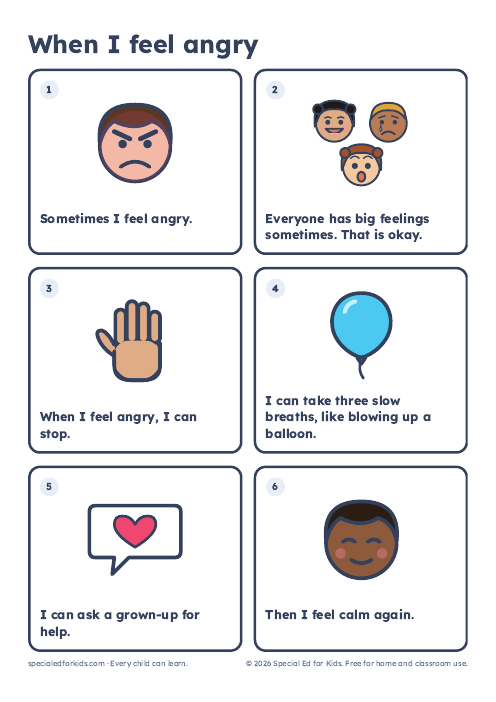
A blank 6-box story template and an example story: “When I feel angry”.
- Printable PDFVisual schedule
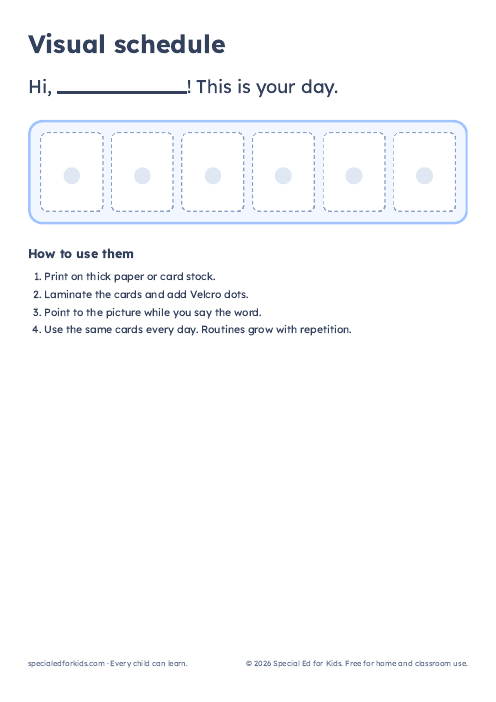
Picture cards for the daily routine, from waking up to bedtime, plus blank cards to draw your own.
- Printable PDFToken board
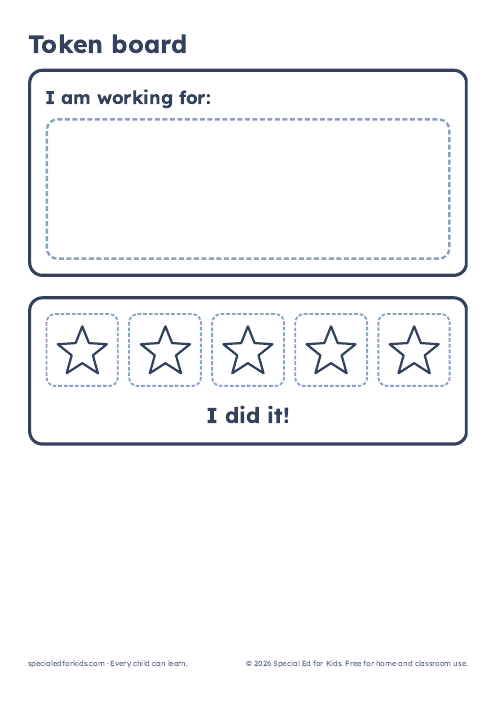
The child earns five stars, then gets the reward they chose.
- Printable PDFEmotions cards
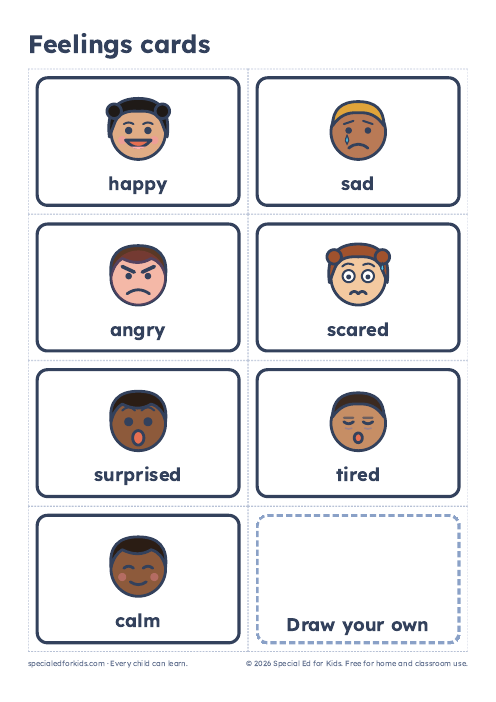
Seven feelings faces plus a daily “How do I feel today?” check-in chart.
- Guide for parentsHow to use a visual schedule at home
A step-by-step guide for parents: set up, teach and slowly fade a picture schedule.
- Browser gameFeelings faces
Who feels happy, sad or angry? Learn feeling words with friendly faces.
- Browser gameListen and find
Hear a word and find the picture: food, animals and everyday things.
- Browser gamePicture match
Find the same picture. One clear task at a time, no timer and no losing.
- Browser gameCounting 1–10
Tap each picture to count, then find the right number.
- Browser gameSorting game
Drag each picture to the right box: colors, shapes, then animals, food and vehicles.
- Browser gameDaily routine in order
Put morning, day and evening pictures in order, with gentle hints.
- Browser gameMemory pairs
Turn two cards and find the pairs. Starts with only four cards.